
Setup
Let's setup Logseq Copilot in less than 5 minutes.
Setup Logseq API Server
Enable API Service
Open Logseq
Settings.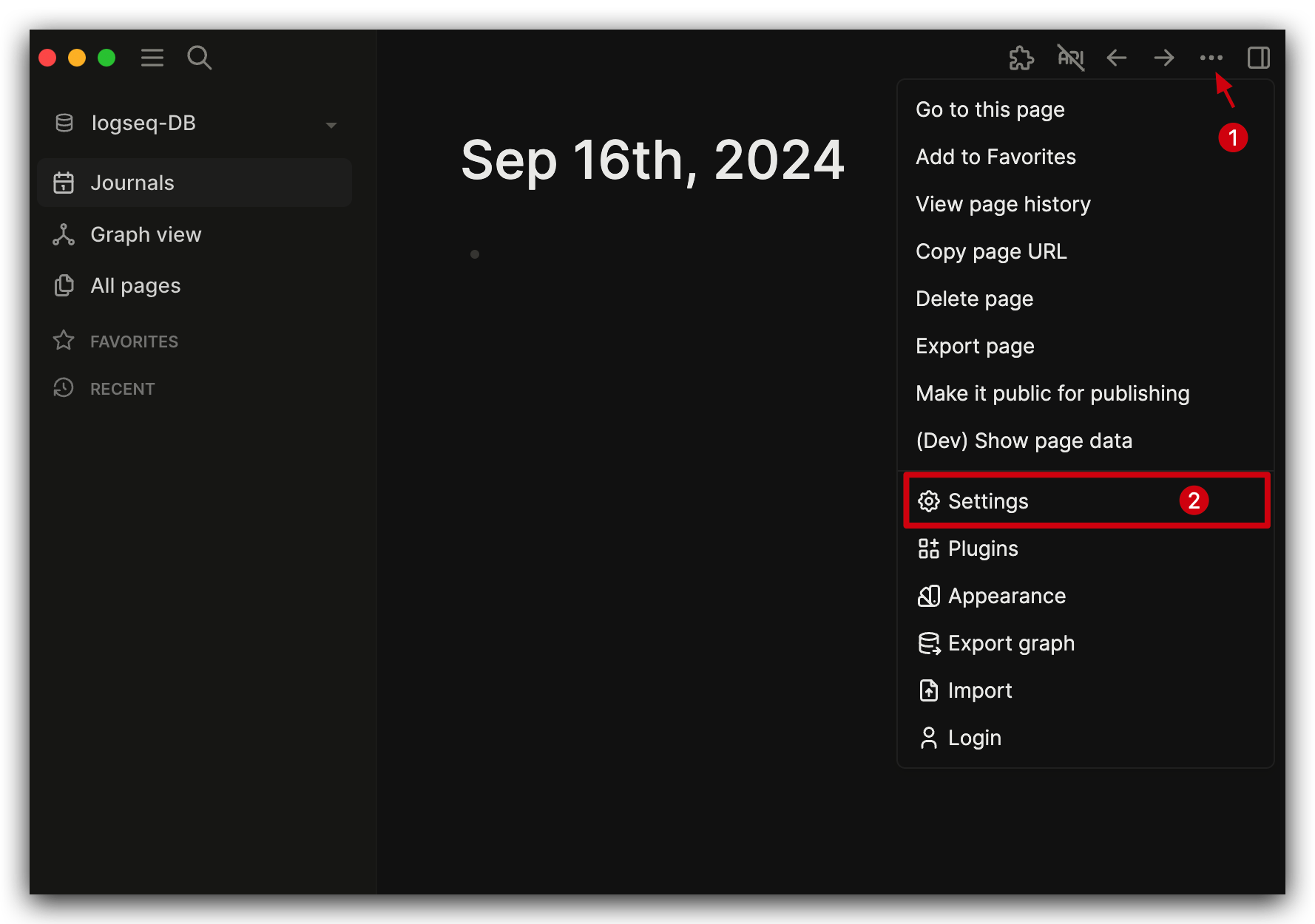
Features-> EnableHTTP APIs Server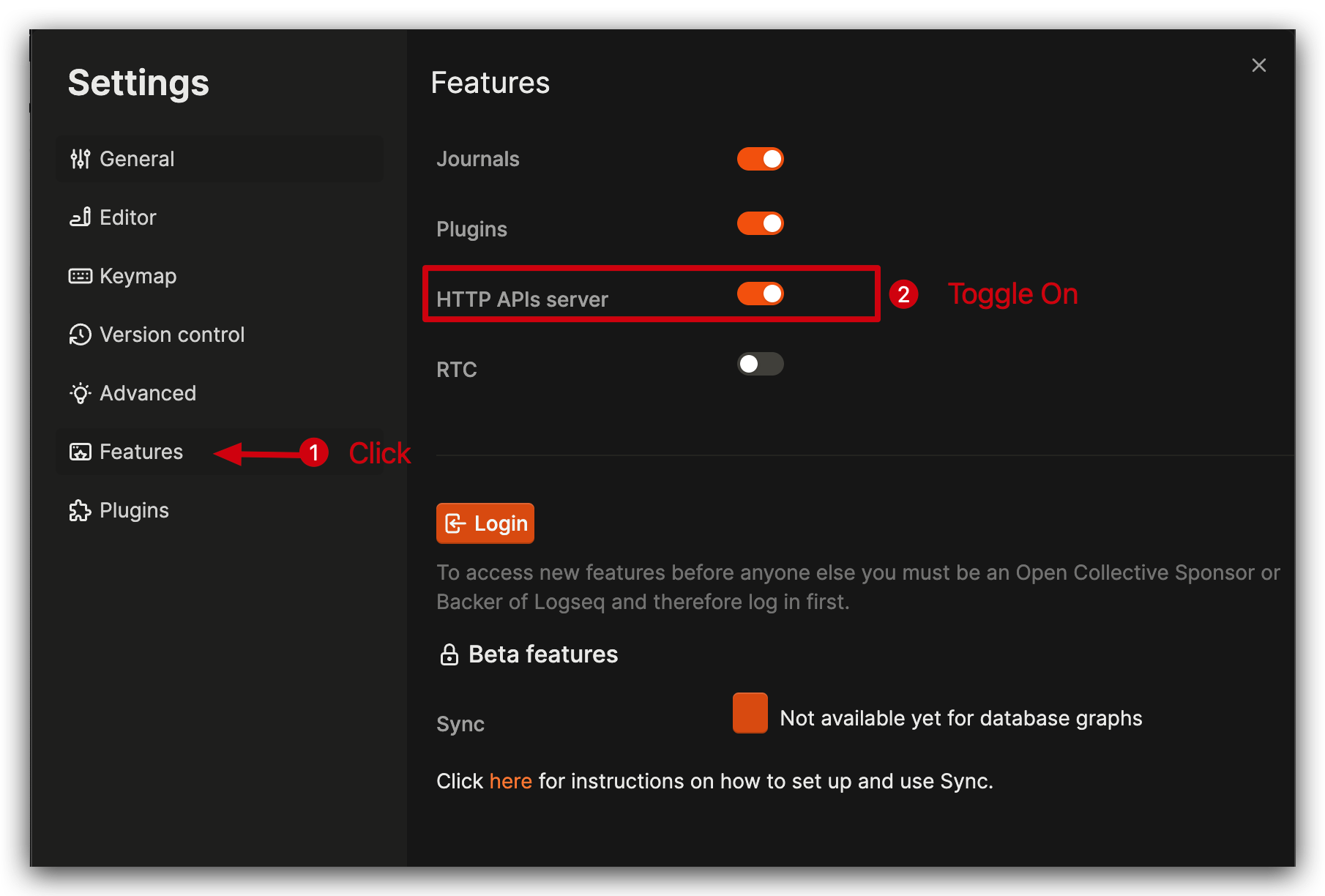
Seting Authorization Token
Go to logseq copilot tool bar, Click
APIicon.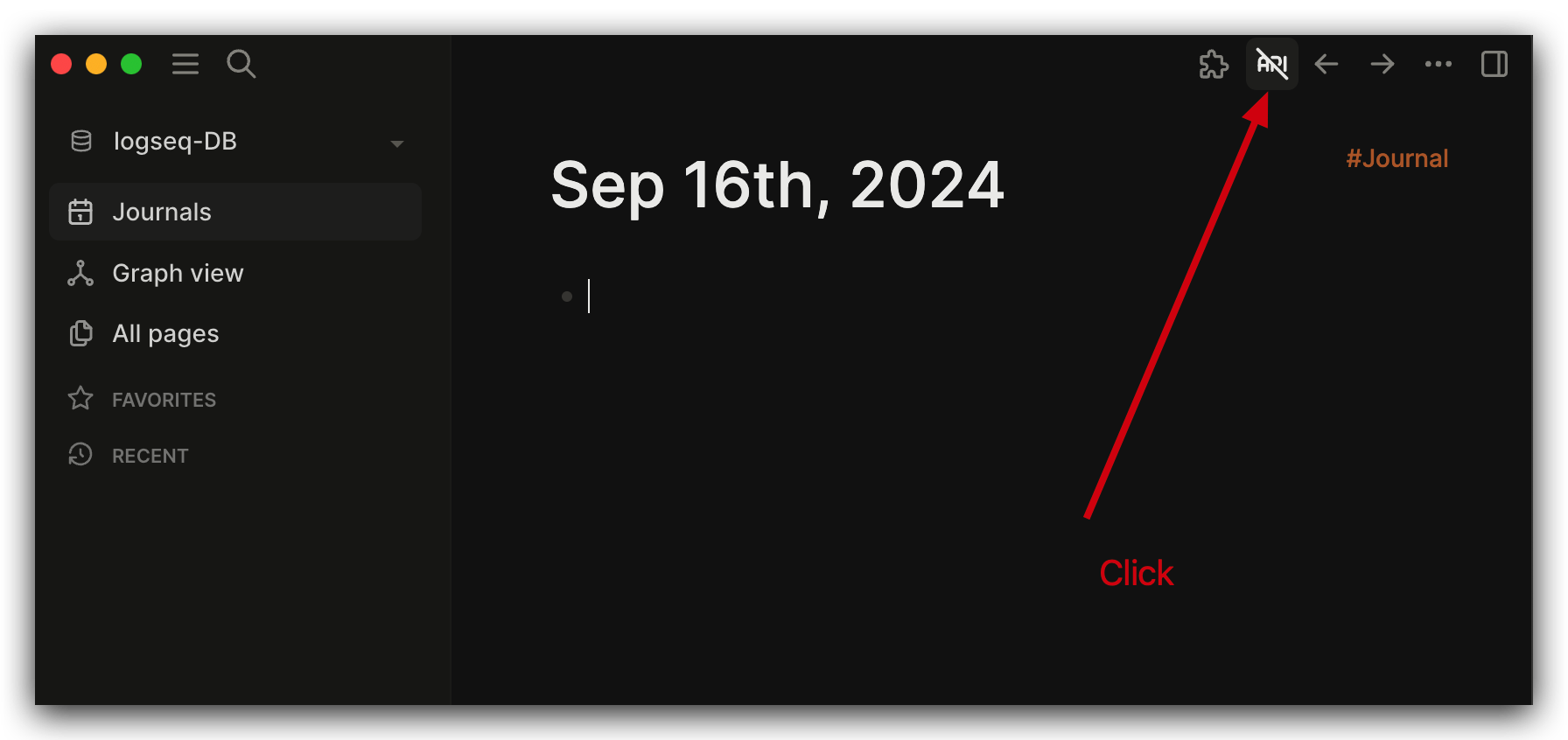
Click
Authorization tokens.
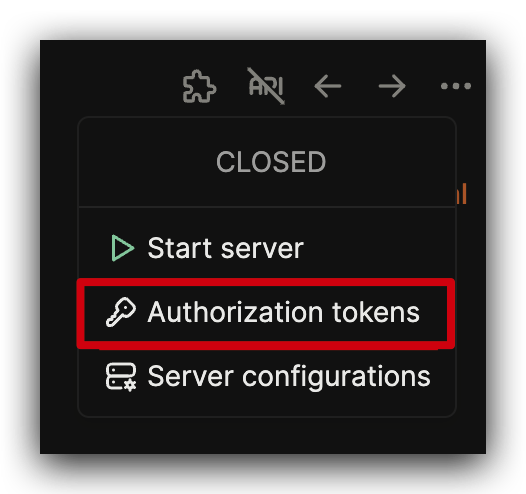
Click
Add new token.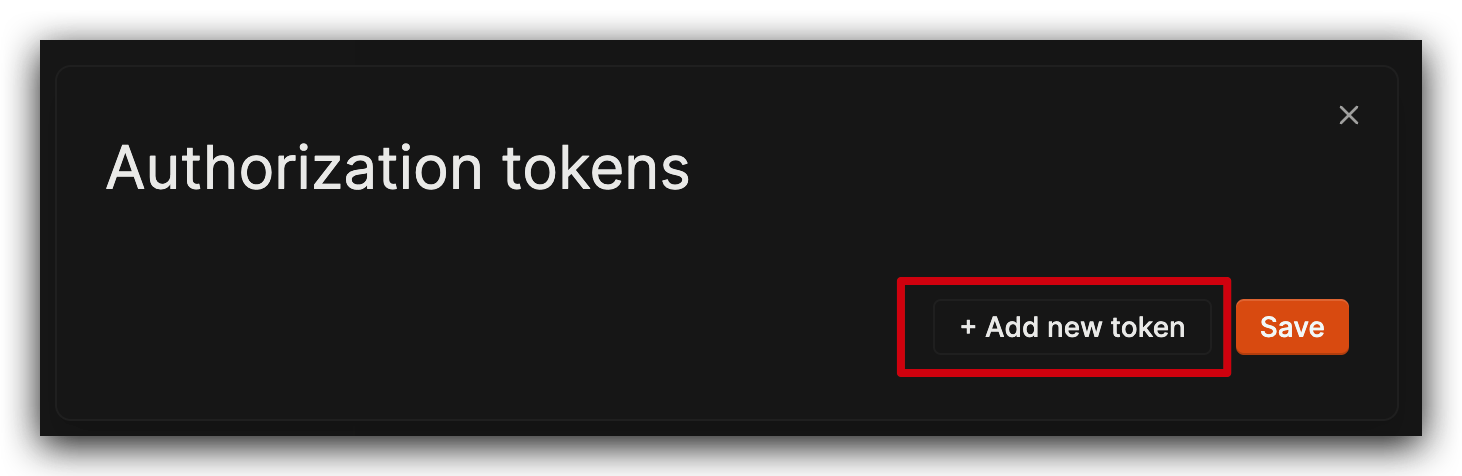
You will see a row as below.
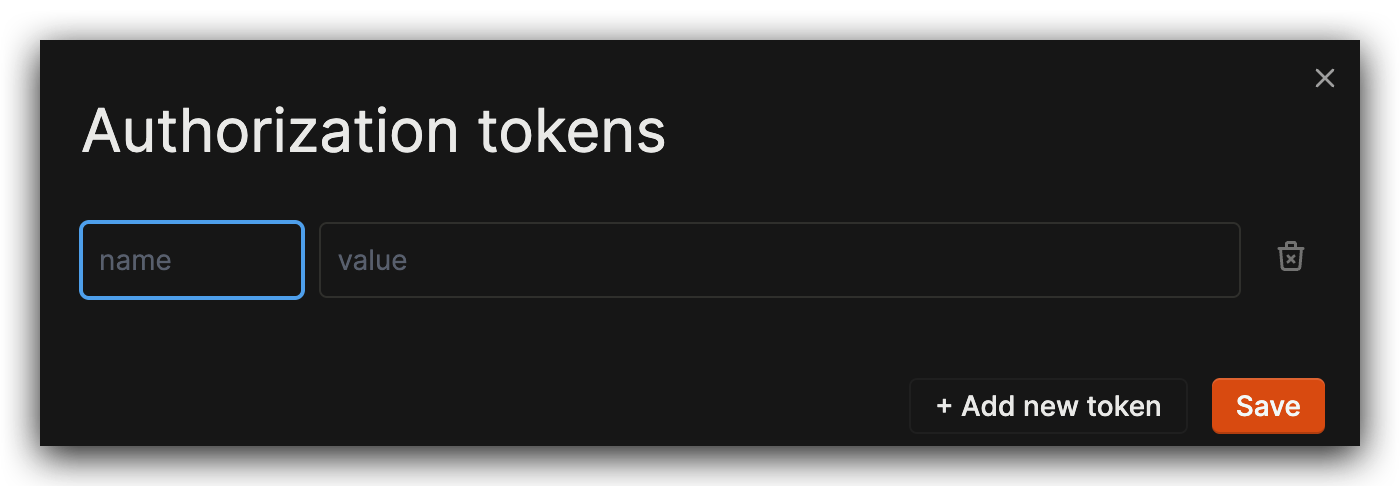
Fill name as
logseq-copilot, value is a secret, eg.secret-value, then clickSave.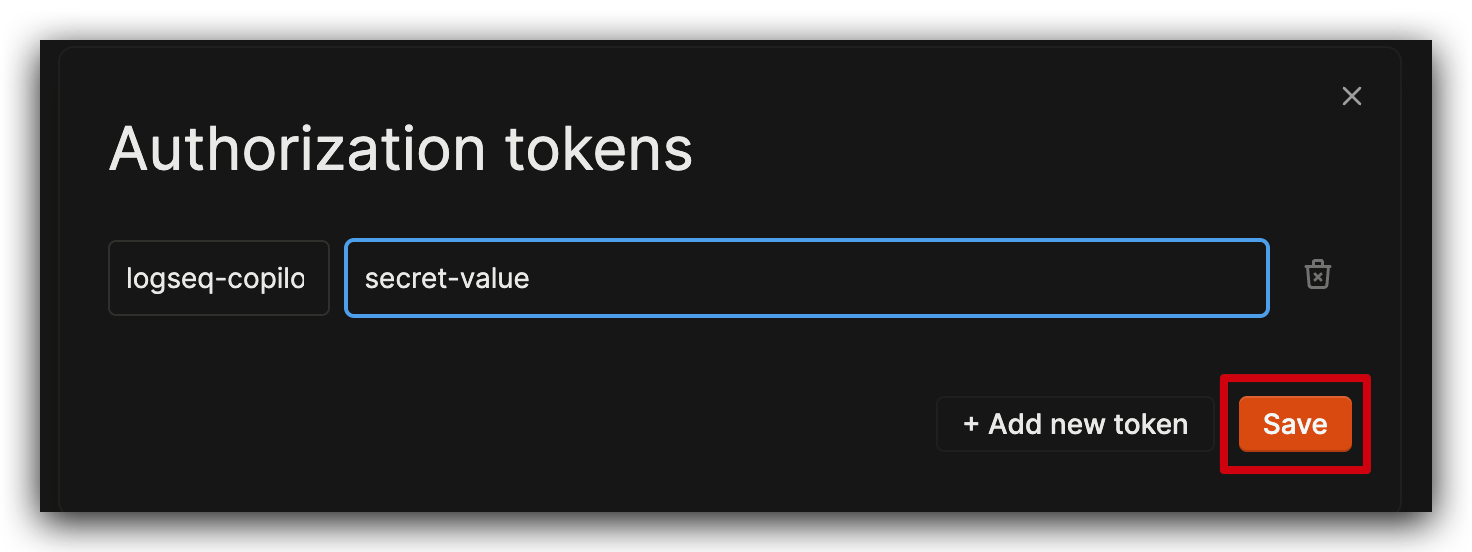
INFO
The value of Authorization token is a secret string, suggest to setting like a random string.
Seting API Server Auto Start
Go to logseq copilot tool bar, Click
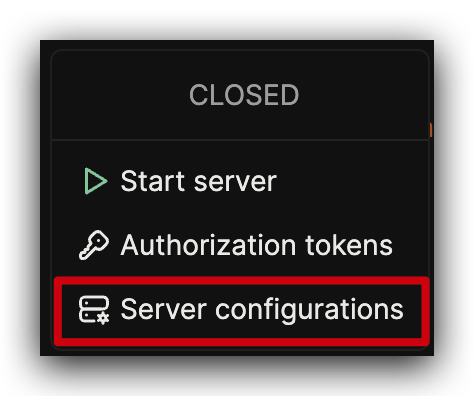
APIicon.Click
Server configurations.
Toggle on
Auto start server with the app launched.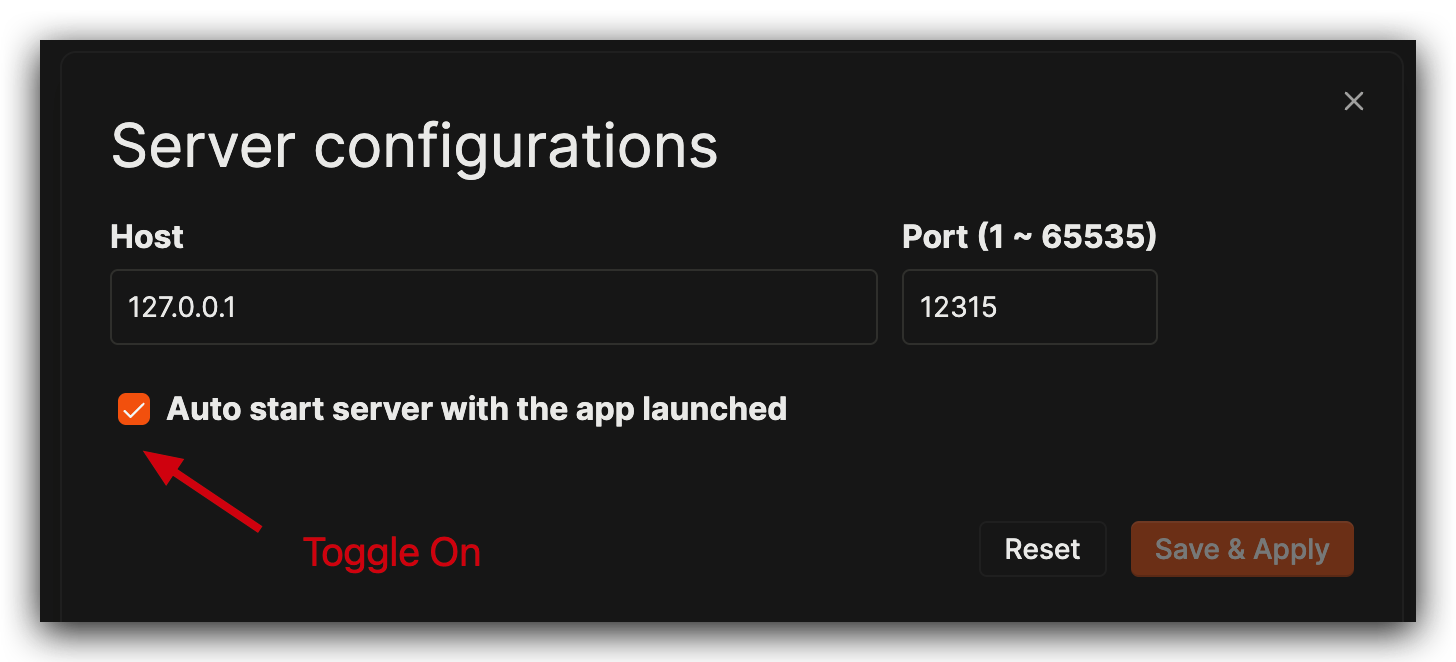
Click
Save & Apply.
Start Server
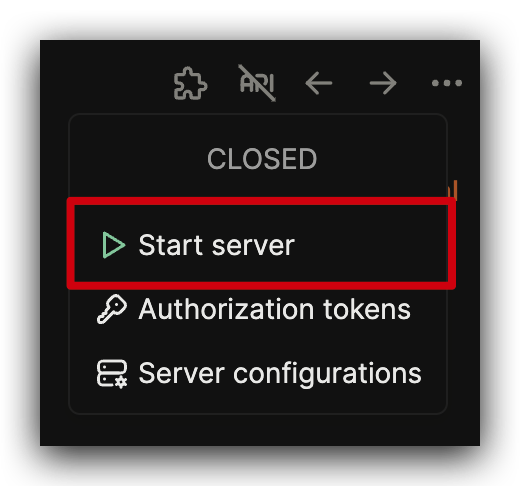
Go to logseq copilot tool bar, Click
APIicon.Click
Start Server.
Check Server is started
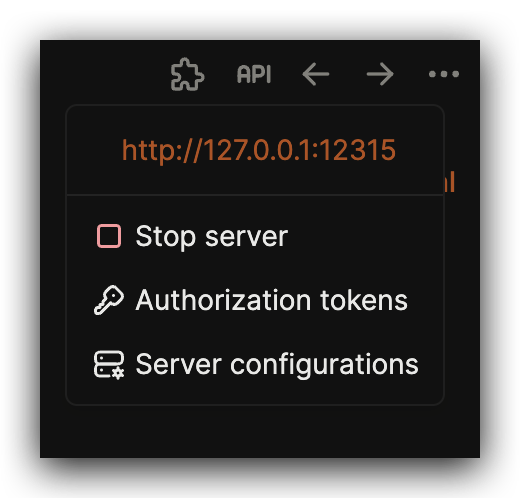
Go to logseq copilot tool bar, Click
APIicon.If you see something like below, your
APIserver is setting correct.
Setting up Browser Extension
Open
Logseq Copilotoption in your browser.
Fill the token, the secret
valueyou just setting in LogseqAuthorization token.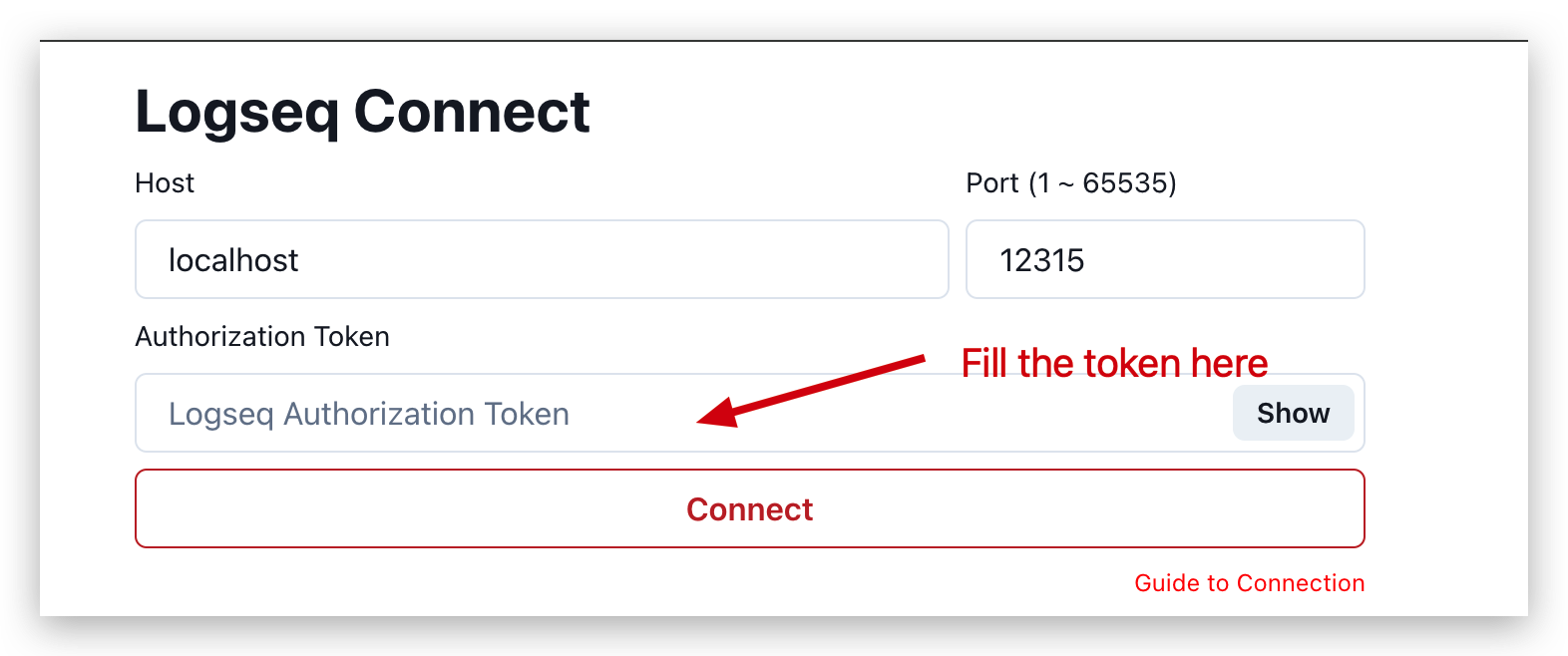
Click
Conncet.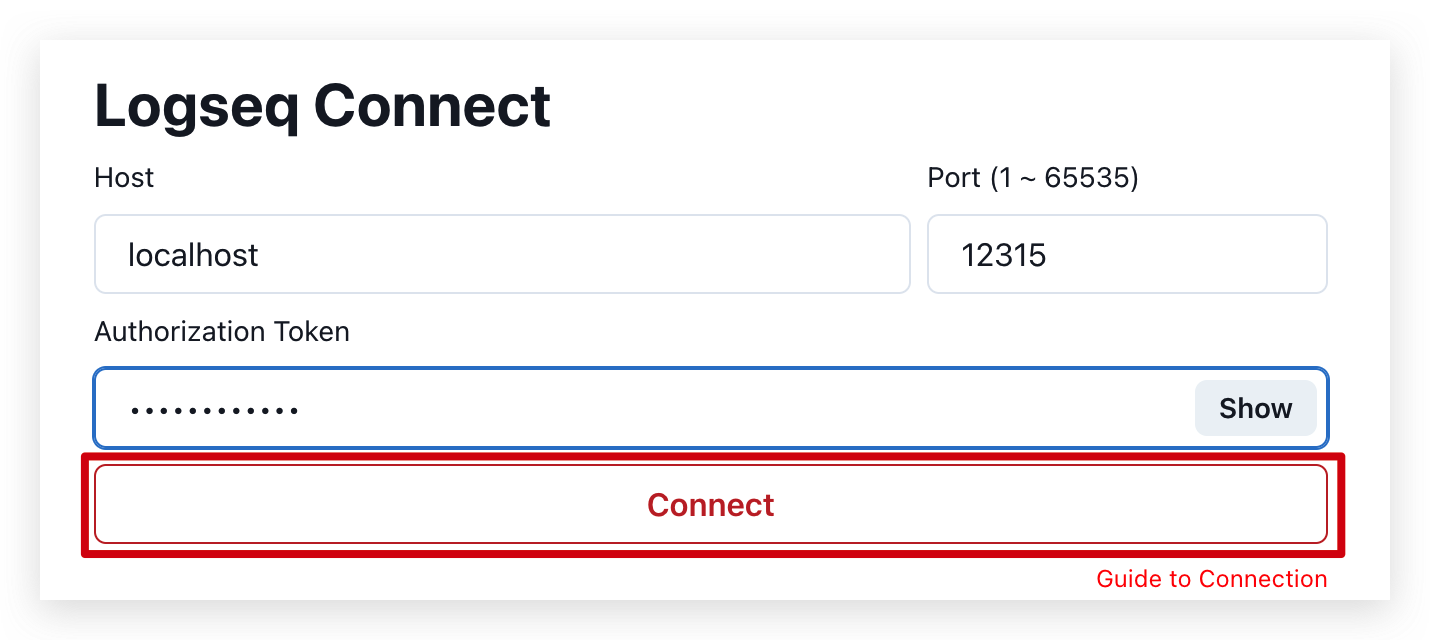
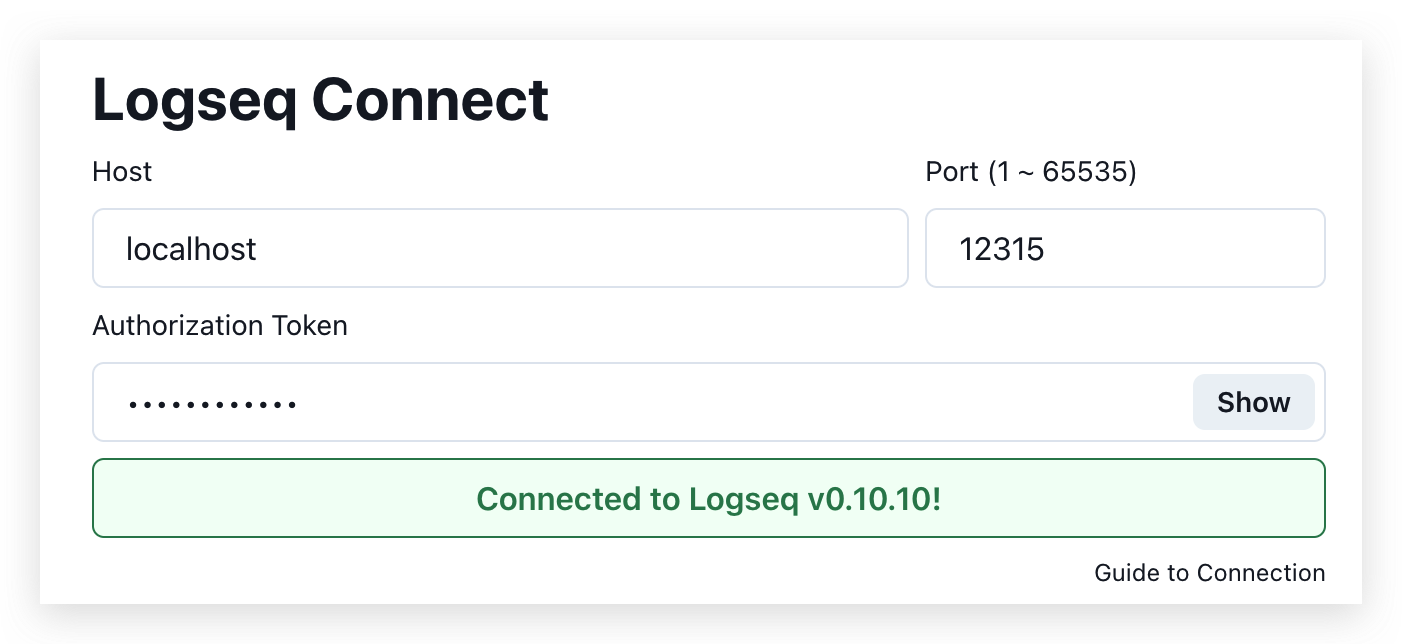
If you see something like below.
INFO
If you see something else, please check logseq.
- You can use Logseq Copilot now! 🥳🥳🥳